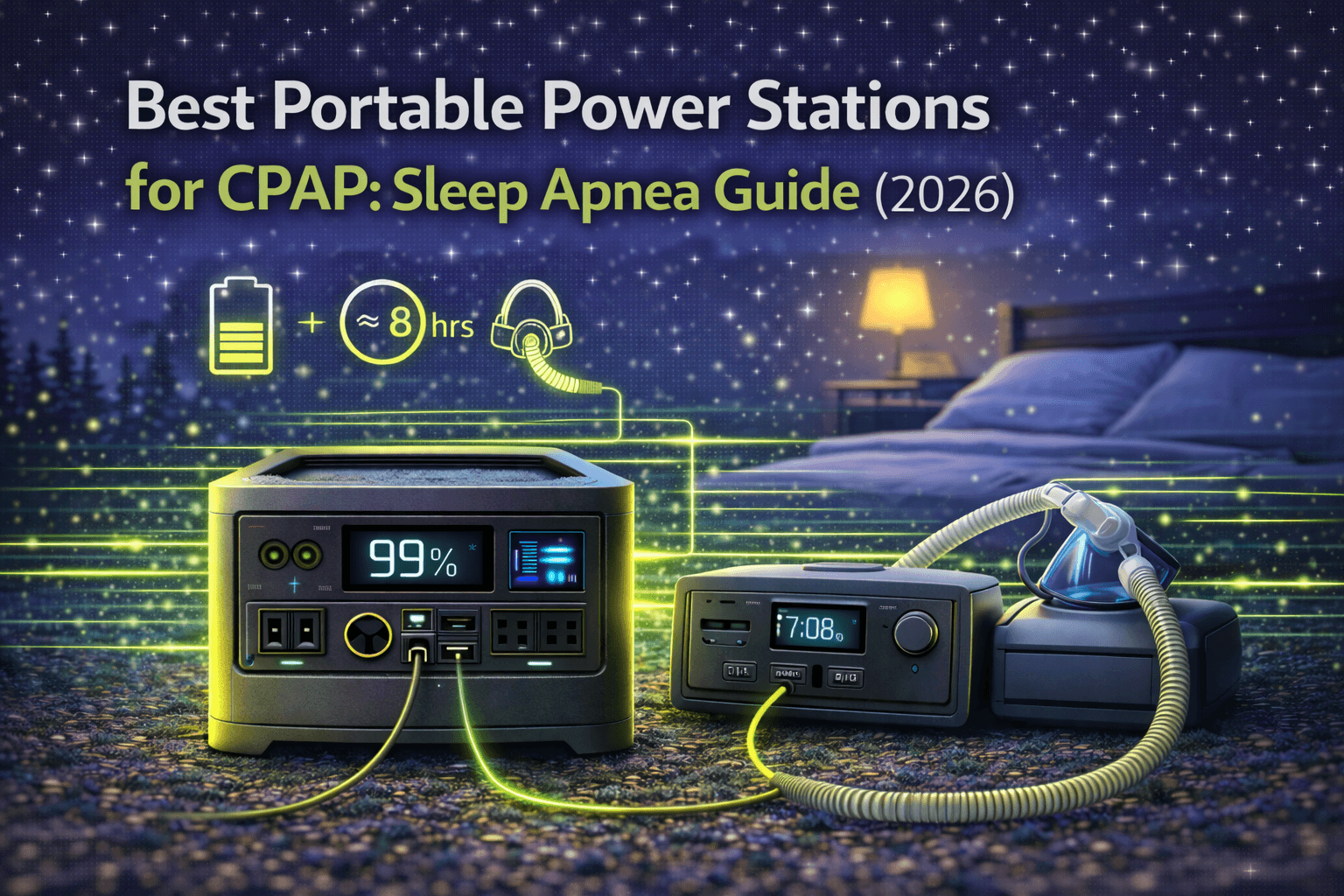
If you use a CPAP machine, you already know the stakes. Skip one night and you’re dealing with brutal fatigue, elevated blood pressure, and irregular heartbeat the next day. CPAP therapy isn’t optional — it’s a medical necessity that requires reliable power every single night.
That becomes a real problem when you’re camping, boondocking in your RV, traveling internationally, or sitting through a multi-day power outage with no idea when the grid comes back. Traditional solutions — overpriced medical battery packs ($300-500 for barely one night), sketchy car battery inverter setups, or simply avoiding trips altogether — all fall short.
Portable power stations solve this cleanly. You get 2-8+ nights of CPAP operation from a single charge, silent overnight operation (unlike generators), clean sine wave power that won’t damage your machine, and multi-purpose use for phones, laptops, and other gear. The catch: not every portable power station works safely with CPAP machines, and getting the capacity math wrong means waking up at 3am to a dead machine.
This guide covers exactly how much power your specific CPAP setup actually draws, how to size capacity for weekend trips through week-long travel, which models we recommend (and why), and strategies to squeeze more nights from every charge.
Note: This guide contains affiliate links. If you purchase through our links, we may earn a commission at no extra cost to you.
How Much Power Does a CPAP Machine Actually Use?
Getting this number right is everything. Underestimate and your power station dies mid-sleep. Overestimate and you’re hauling unnecessary weight and spending more than you need to.
Baseline CPAP Consumption (No Humidifier)
Modern CPAP machines at typical therapeutic pressure (8-12 cmH2O) draw 30-50W on average. That’s modest — roughly equivalent to a laptop in sleep mode. At standard pressure 10 cmH2O, expect around 38-42W depending on your machine. At higher therapeutic pressure (15 cmH2O), that climbs to 53-58W.
For an 8-hour night, that translates to 304-464Wh of consumption — a wide range that depends entirely on your prescribed pressure setting.
The Heated Humidifier Problem
Here’s where most CPAP users get tripped up. The heated humidifier adds 10-30W depending on the setting and room temperature, increasing total consumption by 40-75%. That’s not a minor bump — it fundamentally changes your capacity requirements.
At a medium humidifier setting (level 3) in a comfortable 65°F room, expect roughly +15-18W, bringing total consumption to 56-60W (448-480Wh per night). Crank the humidifier to high (level 5) in a cold tent at 45-50°F, and you’re looking at +25-33W total, pushing consumption to 66-75W (528-600Wh per night).
Cold weather is a double hit — the humidifier works harder to reach target humidity in dry, cold air, increasing consumption another 15-30% beyond what you’d see in a warm bedroom.
The Consumption Formula
Nightly consumption = (Base CPAP watts + Humidifier watts) × Sleep hours
Some real-world examples:
- CPAP only at moderate pressure: 40W × 8 hours = 320Wh per night
- CPAP + medium humidifier (65°F room): 58W × 8 hours = 464Wh per night
- CPAP + high humidifier (cold camping): 70W × 8 hours = 560Wh per night
Measuring Your Specific Draw
Your CPAP’s display shows therapy hours and pressure data, but not power consumption. Three ways to measure:
Kill-A-Watt meter ($25-35): Plug CPAP into meter, meter into wall, run a normal night. Read the Wh total in the morning. Most accurate method and worth owning.
Manufacturer specs: Check your CPAP manual for typical wattage at your prescribed pressure, then add humidifier draw from separate documentation. Less precise but adequate for planning.
Power station app monitoring: Units from EcoFlow and Bluetti display real-time wattage through their apps. Run your CPAP overnight and note the average draw.
The bottom line: plan for 300-600Wh per night depending on your setup. Always size based on your worst-case scenario (highest humidifier setting, coldest anticipated temperature), not your best case.
How to Size Capacity for CPAP Trips
CPAP capacity planning is fundamentally different from recreational use. Running out of power at 3am isn’t an inconvenience — it’s a health risk. You need absolute reliability with meaningful safety margins.
The CPAP Capacity Formula
Required capacity = Nightly consumption × Number of nights × 1.4 safety factor
That 1.4x multiplier accounts for inverter efficiency losses (10-15%), cold weather capacity reduction (10-20%), potential consumption spikes, and the reality that you should never plan to drain a battery to zero.
Sizing by Trip Duration
Single night (campground, hotel backup): 400Wh consumption × 1 night × 1.4 = 560Wh minimum. A 500-700Wh power station handles this comfortably.
Weekend camping (2-3 nights, no recharge): 450Wh × 3 nights × 1.4 = 1,890Wh minimum. You need a 2000Wh unit for pure battery autonomy, or a 1000Wh unit with daily recharging from your vehicle or solar.
Week-long trip (7 nights, no recharge): 500Wh × 7 × 1.4 = 4,900Wh minimum. This requires either a massive expandable system or — more practically — a 1500-2000Wh unit with daily recharging.
Emergency home backup: Outages are unpredictable, so plan for 3-5 nights minimum: 450Wh × 5 × 1.4 = 3,150Wh. For most people, a 2000Wh unit with the ability to recharge from a vehicle is the realistic sweet spot.
The Recharge Strategy (How Most CPAP Users Actually Travel)
Pure battery autonomy — carrying enough capacity for an entire trip with no recharging — gets expensive and heavy fast. In practice, most CPAP travelers use a 1000-2000Wh power station and recharge daily.
Vehicle recharging is the most common approach: 30-60 minutes of driving replenishes 200-400Wh, more than enough to offset one night’s CPAP consumption. On a 10-day RV trip with a 1500Wh unit consuming 480Wh nightly and recharging 300-400Wh daily during driving, you’ll maintain 75-95% charge throughout. Sustainable indefinitely.
Solar recharging works for stationary camping: 500Wh nightly consumption ÷ 3.5 peak sun hours ÷ 0.75 efficiency = roughly 190W of solar panel needed. A 200W portable panel generates about 600Wh daily in good weather — enough to exceed CPAP consumption and build buffer for cloudy days. Check our solar panel sizing guide for detailed setup instructions.
Quick Reference: Capacity Recommendations by Use Case
| Use Case | Capacity Needed | Recommended Approach |
|---|---|---|
| Single night camping | 500-700Wh | Small/medium power station |
| Weekend camping (2-3 nights) | 1000-1500Wh + recharge | Mid-range unit with vehicle recharge |
| Week-long trip | 1500-2000Wh + daily recharge | Large unit with solar or vehicle |
| Emergency home backup | 2000-3000Wh | Large unit, expandable preferred |
Best Portable Power Stations for CPAP (2026 Picks)
1. Jackery Explorer 1000 Plus — Best CPAP Value
Price: $899 | Capacity: 1264Wh | Output: 2000W (pure sine wave)
The Jackery 1000 Plus hits the sweet spot for most CPAP users — enough capacity for 2-3 nights with humidifier, reliable pure sine wave output that won’t cause issues with medical devices, and a price that doesn’t require a second mortgage.
| Spec | Detail |
|---|---|
| Capacity | 1264Wh |
| AC Output | 2000W continuous, 4000W surge (pure sine wave) |
| AC Outlets | 3 |
| USB-C | 2× 100W |
| USB-A | 2× 18W |
| Weight | 32 lbs |
| Battery | LiFePO4, 4000 cycles to 70% capacity |
| AC Charging | ~1.5 hours (wall outlet) |
| Expandable | Up to 5056Wh with 3 battery packs |
CPAP runtime reality: At 448Wh nightly consumption (moderate pressure, medium humidifier), you get 2.5 nights: 1264Wh ÷ 448Wh = 2.8 theoretical, ~2.5 accounting for efficiency. That’s a comfortable Friday-Saturday camping weekend with roughly 25-30% battery to spare Sunday morning. Push to high humidifier in cold weather (528Wh nightly) and you’re tighter — about 2.1 nights. Still fine for a weekend, but a 3-night trip requires reducing humidifier settings or midweek recharging.
The 2000W output is massive overkill for CPAP (40-70W typical draw), but that headroom means zero concern about startup surges and you can run phone chargers, a laptop, or even a heated blanket alongside your CPAP without thinking about it.
Why LiFePO4 matters for CPAP users: You’re cycling this battery regularly — every camping trip, every power outage. At 4000 cycles, even aggressive use (70 cycles/year) gives you decades of mathematical lifespan. The battery will outlast several CPAP machines.
The ~1.5-hour AC charging is genuinely useful: return from a weekend trip Sunday afternoon, plug in during dinner, and it’s fully charged before bed. If you need the unit for home backup that same night, you’re covered.
The main trade-off: 32 lbs isn’t light. It’s fine for car camping but a real consideration if you’re carrying it any distance. And if you need 3+ nights without recharging, you’ll need to add an expansion battery (~$600) or step up to a larger unit.
Check Price on Jackery
Also on Amazon
For a deeper look at the full Jackery lineup, see our complete Jackery guide.
2. EcoFlow Delta 2 — Best CPAP Convenience
Price: $999 | Capacity: 1024Wh | Output: 1800W (pure sine wave)
The Delta 2 trades raw capacity for superior convenience — faster charging, lighter weight, and an app that’s genuinely useful for CPAP monitoring overnight.
| Spec | Detail |
|---|---|
| Capacity | 1024Wh |
| AC Output | 1800W continuous, 2700W surge (pure sine wave) |
| AC Outlets | 6 |
| USB-C | 2× 100W |
| USB-A | 4 (2× standard, 2× fast charge) |
| Weight | 27 lbs |
| Battery | LiFePO4, 3000 cycles to 80% capacity |
| AC Charging | 80 minutes (0-100%) |
| Expandable | Up to 3072Wh with extra battery |
CPAP runtime reality: With 240Wh less capacity than the Jackery, you get about 2 comfortable nights with moderate humidifier use (480Wh × 2 = 960Wh, finishing around 6% remaining). A third night requires either reducing the humidifier or accepting risk of mid-sleep depletion. For strict 2-night weekenders, it’s perfectly adequate. For 3-night trips, you’ll want the expansion battery.
Where the Delta 2 shines for CPAP:
The EcoFlow app provides real value during CPAP use. You can check remaining battery from bed without getting up, set low-battery alerts (one user reported an alert at 20% around 2am — enough warning to reduce humidifier settings and make it through the night), and track consumption patterns across trips to dial in your planning.
The 80-minute full charge is the fastest in this class. Come home Sunday, plug in, fully charged in under 90 minutes. Compare that to units needing 4-6 hours — the Delta 2 fits into any schedule.
At 27 lbs (5 lbs lighter than the Jackery), it’s noticeably easier to carry one-handed from car to tent alongside your CPAP machine. That weight difference matters more than you’d think after a long drive.
Six AC outlets (versus the Jackery’s three) give you more flexibility for your complete sleep setup plus devices.
The trade-offs: 19% less capacity than the Jackery at $100 more. The 3000-cycle battery (versus 4000) is still excellent — a decade of daily use — but technically shorter-lived. If raw capacity per dollar is your priority, the Jackery wins. If convenience features and portability matter more, the Delta 2 justifies the premium.
Read our full EcoFlow Delta 2 vs Jackery 1000 Plus comparison for a detailed head-to-head breakdown.
3. Anker 535 PowerHouse — Best Budget CPAP Option
Price: ~$499 (frequently on sale for $249-$300) | Capacity: 512Wh | Output: 500W (pure sine wave)
The Anker 535 is the entry point for CPAP users who want backup power without a major investment — or who always have recharge access and just need single-night capacity.
| Spec | Detail |
|---|---|
| Capacity | 512Wh |
| AC Output | 500W continuous, 750W surge (pure sine wave) |
| AC Outlets | 4 |
| USB-C | 1× 60W |
| USB-A | 3 |
| Weight | ~16.5 lbs |
| Battery | LiFePO4, 3000+ cycles |
| Charging | 80% in ~2.5 hours (AC adapter + USB-C) |
| Warranty | 5 years |
CPAP runtime reality: One solid night with humidifier. At 450Wh consumption, 512Wh capacity leaves about 12% remaining by morning — tight but adequate. Without humidifier (320Wh), you’ve got comfortable margin for one night plus partial second.
This isn’t a multi-night solution without recharging. Weekend camping means plugging into your vehicle or solar panel Saturday midday. That’s a real limitation, but at roughly half the cost of the 1000Wh-class units (especially at sale prices), it’s an acceptable trade-off for budget-conscious users.
At 16.5 lbs — roughly half the weight of the Jackery — portability is a genuine advantage. Older CPAP users or anyone with mobility concerns will appreciate carrying this one-handed alongside their CPAP machine.
The 500W output handles any CPAP machine comfortably. Even at maximum draw (70W with high humidifier in cold weather), you’re well within limits. The 750W surge handles startup without issue.
Important note: Anker sells this with power-saving mode enabled by default. Turn power-saving mode OFF for CPAP use. With it on, the unit may shut down when CPAP draw drops during sleep, causing treatment interruption.
Looking at other budget options? Check our best portable power stations under $500 guide.
CPAP Optimization: Extending Runtime Per Charge
If you’re trying to squeeze more nights from your power station — or you bought a smaller unit and need to maximize what you’ve got — these strategies make a real difference.
Reduce or Disable the Heated Humidifier
The single biggest runtime lever. The humidifier accounts for 30-50% of total consumption.
- Lower from setting 5 to setting 3: Saves 10-15W per hour, or 80-120Wh per night (15-25% improvement)
- Disable humidifier entirely: Saves 20-30W per hour, or 160-240Wh per night (40-50% improvement)
- Use the humidifier chamber without heating: Provides some passive humidity from ambient moisture with zero power draw
The comfort trade-off is real — some people tolerate dry air fine, others wake up with painful nasal and throat dryness. Test at home before relying on this strategy in the field. A saline nasal spray can help bridge the gap if you’re reducing humidifier use to conserve power.
Use DC Power Directly (10-15% Efficiency Gain)
Your CPAP runs on DC power internally. When you plug into a power station’s AC outlet, the electricity goes through a wasteful double conversion: battery DC → inverter converts to AC → CPAP’s AC adapter converts back to DC. Every conversion loses energy as heat.
A DC power cable that connects your CPAP directly to the power station’s 12V or 24V DC output eliminates this waste. Available from CPAP manufacturers ($50-80) or third-party sellers ($20-40), these cables typically improve efficiency by 10-15%.
In practice, that means AC operation consuming 448Wh nightly drops to roughly 395Wh via DC direct — a meaningful improvement that can extend a 2-night unit into comfortable 3-night territory. Some users report getting up to 6 nights on DC versus 2-3 on AC from the same capacity. Check your CPAP model’s voltage requirement (12V or 24V) before purchasing.
Build In Redundancy
Your CPAP is medical equipment. A single point of failure is unacceptable for anything beyond a single-night campground trip.
For extended travel, consider: a secondary smaller power station (250-500Wh) as emergency backup, your vehicle’s 12V outlet with an appropriate CPAP DC cable, or a known recharging option at your destination. The goal is never being more than one backup away from guaranteed therapy.
For home emergency preparedness, pair your power station with a plan for extended outages — vehicle recharging, a neighbor’s generator, or a solar panel setup that can replenish daily.
Frequently Asked Questions
How many nights will a 1000Wh power station run my CPAP?
Roughly 2-3 nights with humidifier, 3-4 without. The actual number depends on your specific machine and settings.
Use this formula: Nights = Capacity × 0.9 (efficiency) ÷ Nightly consumption
Examples with a 1000Wh unit:
- CPAP only (320Wh/night): 1000 × 0.9 ÷ 320 = 2.8 nights
- Moderate humidifier (450Wh/night): 1000 × 0.9 ÷ 450 = 2.0 nights
- High humidifier, cold weather (560Wh/night): 1000 × 0.9 ÷ 560 = 1.6 nights
With the Jackery 1000 Plus (1264Wh) at moderate settings, expect 2 full nights comfortably with 25-30% remaining. The EcoFlow Delta 2 (1024Wh) handles 2 nights but gets tight approaching a 3rd.
The biggest variables: pressure setting (higher = 25-40% more draw), humidifier level (off vs. high = 40-50% difference), ambient temperature (cold adds 15-30% to humidifier draw), and sleep duration (9 hours vs. 7 = 30% more consumption). Measure your actual draw at home before your first trip. If you want to run the numbers precisely, use our runtime calculator.
Should I get a portable power station or a dedicated CPAP battery?
For most CPAP users, a portable power station is the better value. Here’s why:
A dedicated CPAP battery like the Medistrom Pilot-24 Lite offers ~192Wh for $300-350 — that’s one night of CPAP-only use (no humidifier) at roughly $1.60-1.80 per Wh. The Anker 535 gives you 512Wh for ~$499 MSRP (often $250-300 on sale) — one night with humidifier plus the ability to charge phones, run a laptop, or power anything else up to 500W, at $0.50-0.97 per Wh.
The math overwhelmingly favors portable power stations: 2.5-5× more capacity, multi-purpose versatility, and dramatically better cost per watt-hour.
When a dedicated CPAP battery still makes sense: air travel (some are FAA-approved for carry-on, while large power stations may face restrictions over 100Wh), extreme ultralight backpacking (dedicated batteries weigh 1-3 lbs vs. 16-32 lbs), or if you genuinely only need CPAP power and nothing else.
For camping, RV travel, home backup, or any scenario where you’d use the power for anything besides your CPAP, the portable power station is the clear winner. Our how to choose a portable power station guide covers the full decision framework.
Do I need pure sine wave output for my CPAP?
Yes — this is non-negotiable. CPAP machines are FDA-regulated medical devices with sensitive motors and electronics. Modified sine wave inverters (found in cheap power stations and basic car inverters) can cause motor buzzing, overheating, operational errors, or outright damage.
Every power station recommended in this guide outputs pure sine wave AC power. Before buying any unit not listed here, verify pure sine wave output in the specs. If the listing doesn’t explicitly state “pure sine wave,” assume it’s modified sine wave and avoid it for CPAP use.
Can I use my CPAP while the power station charges (pass-through)?
Yes — the Jackery 1000 Plus, EcoFlow Delta 2, and Anker 535 all support pass-through charging. This means you can plug the power station into a wall outlet (or solar panel) while simultaneously running your CPAP.
This is particularly useful for home emergency backup: plug your CPAP into the power station, plug the power station into the wall. During normal operation, power passes through from the wall. When the grid fails, the power station seamlessly takes over with no interruption to your therapy. Both the Jackery and EcoFlow offer near-instant switchover (under 20ms) — fast enough that your CPAP won’t notice the transition.
For more on this feature, see our pass-through charging guide.
Our CPAP Recommendations: The Bottom Line
Best overall value — Jackery Explorer 1000 Plus ($899): 1264Wh capacity covers 2-3 nights with humidifier. Pure sine wave, 4000-cycle LiFePO4 battery, expandable to 5056Wh. The right choice for most CPAP users who want reliable weekend camping and solid emergency backup.
Best convenience — EcoFlow Delta 2 ($999): 80-minute full charge, 27 lbs, excellent app for overnight monitoring. Slightly less capacity (1024Wh) at slightly higher price, but the convenience features are worth it if portability and fast turnaround matter to you.
Best budget option — Anker 535 PowerHouse (~$499, often $249-300 on sale): 512Wh handles single-night CPAP with humidifier. At 16.5 lbs, it’s the lightest option by far. Requires daily recharging for multi-night trips, but the price makes CPAP backup power accessible for any budget.
Whatever you choose, test your complete setup at home before relying on it in the field. Run your CPAP on the power station for a full night, note the actual consumption, and verify everything works exactly as expected. Discovering a compatibility issue at home is an inconvenience. Discovering it at a remote campsite is a health risk. If you're shopping for an older adult, our seniors guide focuses on simplicity and ease of use.
For broader comparisons across all use cases, browse our complete portable power station buyer’s guide.