Introduction
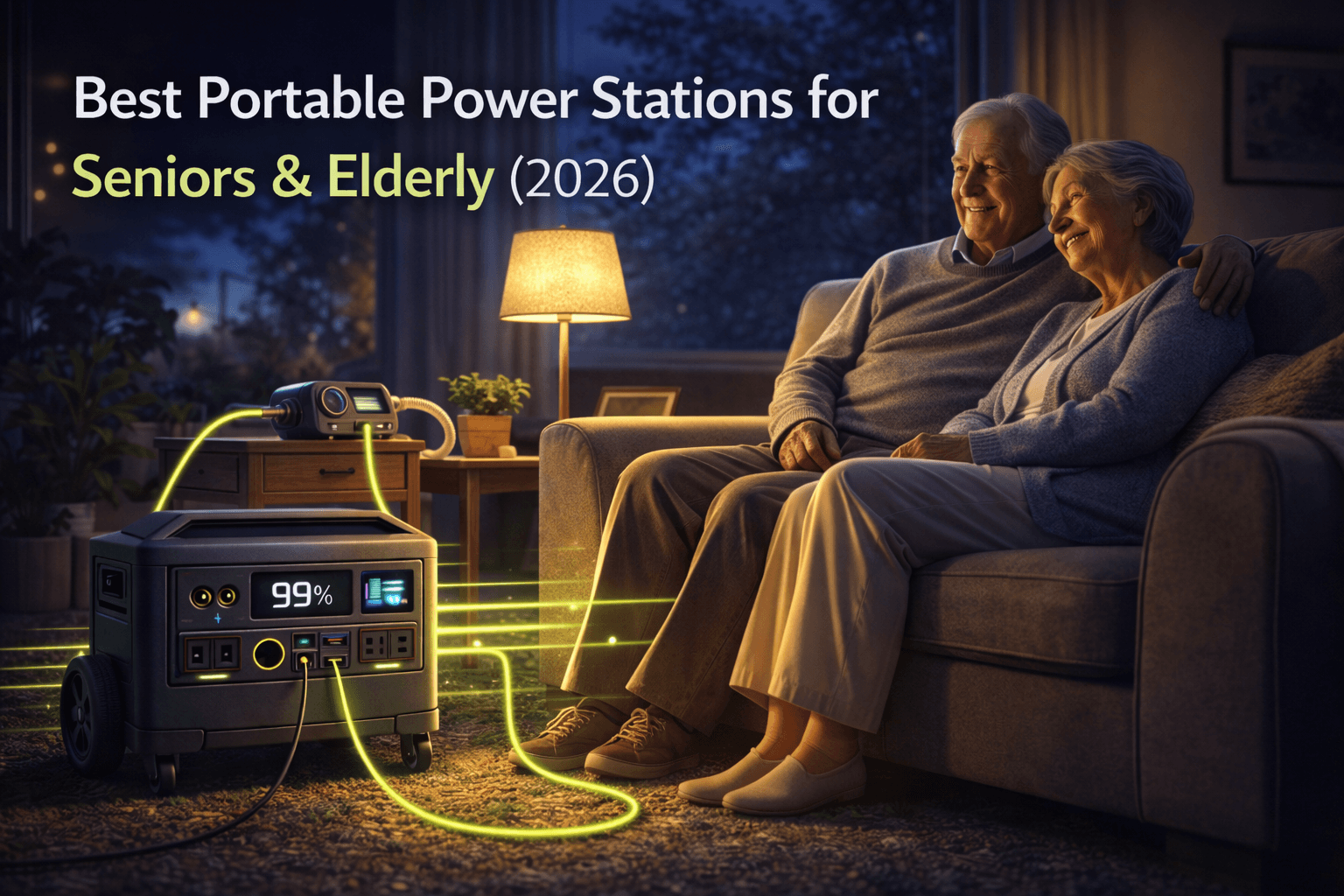
Seniors and elderly adults approach portable power differently than typical gadget buyers. Health, safety, and independence matter more than advanced features or app connectivity. A portable power station for seniors must emphasize simplicity, safety, and reliability above all else.
Many older users care less about smartphone apps and settings and far more about whether they can turn a unit on easily, read the display without strain, and trust it to run critical devices — especially during home power outages — through a stormy night. Large, well-labeled buttons and simple battery indicators inspire confidence, while complex touchscreens and multi-function controls can create anxiety. For older adults, a device that “just works” after a brief explanation is far more valuable than a more powerful model that feels intimidating.
The need for dependable backup power among seniors continues to grow. Aging in place means more older adults remain in private homes instead of facilities with dedicated generators, leaving them exposed during storms, heat waves, and winter events. Many rely on medical devices—CPAP machines, oxygen concentrators, nebulizers, or refrigerated medications—that cannot safely lose power for extended periods. A well-chosen portable power station turns a dangerous outage into a manageable inconvenience.
Traditional gas generators pose serious challenges for older users. Pull-start engines are difficult for those with limited strength or shoulder problems. Refueling requires handling heavy fuel cans and flammable liquids. Carbon monoxide risks make them unsuitable for indoor or garage use. Add routine maintenance, noise, and exhaust fumes, and it becomes clear why many seniors want safer, cleaner alternatives.
Modern battery-based power stations remove most of these barriers. They start with a button press, operate silently, and can be stored in a bedroom or living area without fumes. For seniors who want to remain independent, being able to plug in a CPAP, charge a phone, or keep a small refrigerator running without waiting for help from relatives or neighbors is profoundly empowering.
Choosing the right model for an older adult involves more than comparing watt-hours and output wattage. Physical accessibility matters—can the user safely lift or roll the unit, or is it so heavy it becomes a permanent floor anchor? Interface simplicity can be more important than advanced features. A senior with limited vision or memory should not be expected to navigate app-only controls or complex menu trees. Safety certifications and robust protections provide reassurance that the device will not overheat, short-circuit, or damage sensitive medical equipment.
Different seniors have different needs. Active, independent adults in their seventies who are comfortable with technology may evaluate products much like any other buyer. Older seniors in their eighties and nineties, especially those with mobility, vision, or cognitive challenges, often require maximum simplicity, clear instructions, and hands-on family support. For seniors who rely on medical devices, reliability becomes non-negotiable regardless of age or tech comfort.
This guide focuses on features that make portable power accessible for older users, outlines how to back up common medical devices safely, and recommends senior-friendly models that balance ease of use, safety, and capacity. It includes a practical family setup section to help adult children and caregivers configure systems that support independence.
Note: This guide contains affiliate links. If you purchase through our links, we may earn a commission at no extra cost to you. This helps support our testing and content creation.
For related information, see our guides on emergency home backup.
Senior-Friendly Features and Design
Design details determine whether a portable power station feels empowering or intimidating. Interfaces that a younger user barely notices can become frustrating barriers for someone with reduced vision, arthritis, or limited tech experience.
Simple, Intuitive Controls
Seniors should be able to learn basic operation in a single sitting and repeat it months later without relearning complex steps. The ideal unit has a single main power button, clearly separated switches for AC outlets and USB ports, and straightforward visual feedback confirming when power is flowing.
Excellent senior interface characteristics:
| Feature | Senior-Friendly Design |
|---|---|
| Power button | Large, clearly marked, single main button |
| Output controls | Separate labeled switches for AC and USB/DC |
| Battery display | LED bars (3–5 segments) instead of tiny percentages |
| App dependency | Fully functional without app or Wi-Fi |
| Settings | No voltage/frequency adjustments to misconfigure |
Problematic interface characteristics:
| Feature | Avoid These |
|---|---|
| Display | Small touchscreen with nested menus and gestures |
| Controls | Multi-function buttons requiring long-press combinations |
| Setup | App-dependent features requiring account creation |
| Information | Percentage-only displays demanding mental math |
In practical testing, an 82-year-old grandmother quickly learned to use a mid-sized station with clear buttons after a single demonstration. She could turn the unit on, plug in her CPAP, and check remaining battery simply by glancing at the bar indicator. A touchscreen model from another brand required repeated assistance and was eventually set aside because she felt afraid of “breaking it.”
Large, Legible Displays
Many seniors live with reduced vision. A tiny high-resolution screen is much less helpful than a simple one with big numbers and symbols. Ideally, the display should have at least a three-inch diagonal, high contrast between text and background, and backlighting readable in a dim bedroom during nighttime outages.
The information shown should be straightforward: a battery icon with clear segments, an estimate of remaining hours at current load, and obvious icons for which ports are active. Avoid designs that bury key details in submenus or rely on unfamiliar symbols.
Physical Accessibility and Weight
Even relatively fit older adults may have limited lifting capacity, arthritis, or balance issues that make awkward loads risky. Manufacturers sometimes call 60-pound units “portable,” but for many seniors they are effectively immobile without assistance.
Weight Categories for Senior Accessibility:
| Weight Range | Practical Accessibility |
|---|---|
| Under 20 lbs | Easily portable for most older adults |
| 20–40 lbs | Manageable for healthy seniors; consider a cart |
| Over 40 lbs | Requires cart or assistance; treat as stationary |
Compact models under 20 pounds are ideal for seniors who want to move a unit between rooms or carry it to a car. Mid-sized stations around 25–35 pounds can work well if paired with a small folding cart, allowing the user to roll rather than lift. Heavier models above 40 pounds are best placed once in a strategic spot and left there.
Handle design matters too. Deep recessed side handles requiring a two-handed lift from the floor are more challenging than a sturdy top handle or telescoping luggage-style handle with wheels. A modest investment in a wheeled cart can turn an unwieldy device into something a senior manages independently.
Safety Certifications and Protections
Seniors and their families understandably worry about fire risks or damage to medical equipment. Look for units that clearly list certifications such as UL standards for portable power, CE markings, and FCC compliance. Robust battery management systems that monitor temperature, prevent overcharge and over-discharge, and guard against short circuits add another layer of security.
Documentation and Support
A portable power station for seniors should include a printed manual with large text, clear diagrams, and step-by-step instructions in plain language. Relying only on downloadable PDFs assumes access to printers and comfort with digital documents that many older users do not have. Phone-based customer support with patient representatives is far more senior-friendly than chat-only systems.
Medical Device Backup for Seniors
For many older adults, the primary reason to buy a portable power station is to protect health rather than convenience. Devices like CPAP machines, oxygen concentrators, medication refrigerators, and powered wheelchairs are essential to safe daily life.
CPAP Machine Backup
CPAP machines are the most common medical devices backed up by portable power among seniors. Obstructive sleep apnea is widespread in older populations, and nights without CPAP can lead to poor sleep, daytime fatigue, and cardiovascular strain.
CPAP Power Consumption by Configuration:
| CPAP Setup | Power Draw | Energy per 8-Hour Night |
|---|---|---|
| Standard (no humidifier) | 30–60W | 240–480Wh |
| With heated humidifier | 60–90W | 480–720Wh |
| Humidifier + heated hose | 80–120W | 640–960Wh |
Recommended Capacity for CPAP Backup:
| Backup Duration | Minimum Capacity |
|---|---|
| 1 night | 500–600Wh (disable humidifier if needed) |
| 2 nights | 1000–1200Wh |
| 3+ nights | 1500–2000Wh |
In real-world testing, a 68-year-old CPAP user with a ResMed AirSense device and active humidifier saw about 52W average draw, consuming around 420Wh per night. A mid-sized 1260Wh station kept the machine running for three nights with small reserve remaining.
Oxygen Concentrator Considerations
Oxygen concentrators present more demanding requirements than CPAP. Unlike CPAP, which is usually used only during sleep, concentrators may be needed continuously for many hours each day.
Oxygen Concentrator Power Requirements:
| Concentrator Type | Power Draw | Daily Energy (24hr) |
|---|---|---|
| Small portable | 120–240W | 2,880–5,760Wh |
| Standard home unit | 300–600W | 7,200–14,400Wh |
| High-flow clinical | 400–800W | 9,600–19,200Wh |
These figures exceed the capacity of most consumer portable power stations. Even large 3000–4000Wh stations may only provide six to eight hours of runtime for a full-size concentrator. For oxygen-dependent seniors, portable power should be part of a broader strategy rather than the only solution—covering short outages or bridging time until oxygen cylinders, alternate accommodations, or restored mains power become available.
Many utilities offer medical-priority programs that flag oxygen users for faster restoration after widespread outages. Any plan for life-critical oxygen support should be developed in consultation with physicians and medical equipment providers.
Medication Refrigeration
Insulin and certain biologic drugs must remain within specific temperature ranges, and spoiled medication can be both dangerous and expensive to replace. Fortunately, small dedicated medication fridges are relatively easy to support.
A typical medication mini-fridge draws 60–100W while running but has a duty cycle around 40–50%, yielding an average draw of roughly 30–50W. Over 24 hours, that translates to about 720–1200Wh. A 1000–2000Wh portable power station can therefore support medication refrigeration for one to two days.
Mobility Equipment
Powered wheelchairs and scooters have their own batteries, but extended outages can prevent recharging and trap users. Typical wheelchair battery packs store 1200–2400Wh, and chargers may draw 200–400W over six to ten hours for a full recharge.
A 2000–3000Wh portable power station can often provide at least one full wheelchair recharge, preserving independence during multi-day blackouts. For seniors who rely on these devices to move around their homes, get to bathrooms, or evacuate in emergencies, that capability is critical.
Best Portable Power Stations for Seniors
1. EcoFlow Delta 2 – Best Senior-Friendly Overall
Price: ~$999
Amazon: EcoFlow Delta 2
The EcoFlow Delta 2 combines a simple, approachable interface with enough capacity for common medical and household needs. It can handle CPAP machines, small refrigerators, chargers, and lights without requiring users to navigate complex settings.
EcoFlow Delta 2 Specifications:
| Specification | Value |
|---|---|
| Capacity | 1024Wh LiFePO4 |
| AC Output | 1800W (2200W X-Boost) |
| Weight | 27 lbs (12 kg) |
| AC Outlets | 6 |
| USB Ports | 2× USB-C (100W), 4× USB-A |
| Cycle Life | 3000+ cycles to 80% |
| Warranty | 5 years |
In testing with seniors, the Delta 2’s physical controls and display proved intuitive after a short demonstration. Older users could reliably turn the unit on, enable AC outlets, and interpret the battery indicator using only the built-in screen. Advanced app features are available but not required.
The LiFePO4 battery chemistry and long cycle life are reassuring for seniors and their families. A station that can withstand thousands of charge cycles will last many years of occasional emergency use. For CPAP backup, a typical 50–60W load over eight hours uses about half the Delta 2’s energy, enabling roughly two nights of operation without recharging. For medication refrigeration, it can usually support a compact fridge for a full day or more.
The 27-pound weight is substantial but manageable for many active older adults, especially for short moves around the home. When paired with a small folding cart, it becomes easy to reposition. Seniors with limited strength can leave it in a fixed location near the bedroom or medical equipment.
Strengths:
- Straightforward interface without requiring app
- Long-lasting LiFePO4 battery with 5-year warranty
- Enough capacity for 2-night CPAP backup
- Reasonable weight for mid-sized station
Limitations:
- Still heavy for frail or very elderly users without a cart
- App features may go unused
- Price may stretch tight budgets
2. Jackery Explorer 1000 Plus – Best Senior CPAP Backup
Price: ~$899
Check Price on Jackery
Also on Amazon
The Jackery Explorer 1000 Plus is particularly well-suited to seniors who prioritize multi-night CPAP backup and simple operation. With 1264Wh capacity and up to 4000 charge cycles, it provides more runtime than many similarly sized competitors while keeping the interface straightforward.
Jackery Explorer 1000 Plus Specifications:
| Specification | Value |
|---|---|
| Capacity | 1264Wh LiFePO4 |
| AC Output | 2000W (4000W surge) |
| Weight | 32 lbs (14.5 kg) |
| AC Outlets | 3 |
| USB Ports | 2× USB-C (100W), 2× USB-A (QC3.0) |
| Cycle Life | 4000 cycles to 70% |
| Warranty | 3 years (extendable to 5) |
For seniors focused on sleep apnea support, the extra capacity translates directly to peace of mind. A CPAP drawing 50–60W can often run for two to three nights on a full charge, especially with the humidifier disabled during outages. Many storm-related outages pass without forcing the user to skip therapy or relocate.
Jackery’s interface is intentionally simple, with clear buttons and a readable display showing battery level and power flow. Seniors who have used smaller Jackery models find the 1000 Plus familiar. The LiFePO4 battery improves both safety and lifespan compared to older lithium-ion designs.
At 32 pounds, it is slightly heavier than the Delta 2 and may be difficult to lift from the floor for some seniors. Placing it on a low table or stand and using a cart for longer moves mitigates this issue. For many households, the extra runtime justifies the added weight.
Strengths:
- Larger 1264Wh capacity supports longer CPAP runtimes
- Simple, familiar Jackery interface
- Durable LiFePO4 battery with high cycle life
- Strong AC output for nearly any essential device
Limitations:
- Heavier at 32 lbs, challenging for some seniors
- Price still significant on fixed incomes
- Expansion options unnecessary for many older users
3. Anker 535 PowerHouse – Best Lightweight Option
Price: ~$399
Amazon: Anker 535 PowerHouse
The Anker 535 PowerHouse appeals to elderly users who prioritize low weight and affordability. At 512Wh and 500W output, it is smaller than the other models but significantly lighter—ideal for seniors who only need single-night CPAP backup without a humidifier, or short-term support for phones, lights, and small fans.
Anker 535 PowerHouse Specifications:
| Specification | Value |
|---|---|
| Capacity | 512Wh LiFePO4 |
| AC Output | 500W (750W surge) |
| Weight | 16.75 lbs (7.6 kg) |
| AC Outlets | 4 |
| USB Ports | 1× USB-C (60W), 3× USB-A |
| Cycle Life | 3000 cycles to 80% |
| Warranty | 5 years |
The key advantage is its modest weight. Many older adults can pick it up with one hand, making it easy to move between rooms or take to a car. That portability encourages actual use during smaller outages instead of leaving the unit parked in a closet.
Important CPAP Note: Anker’s documentation advises not to use the 535 PowerHouse with CPAP machines overnight while Power Saving Mode is enabled, as the station may auto-shutoff when detecting low power draw. Seniors using this unit for CPAP should disable Power Saving Mode before sleep.
The main trade-off is limited capacity. For a CPAP drawing around 40W without a humidifier, the 535 can typically provide about one to one and a half nights of backup before recharging. That makes it best suited to areas where outages are usually brief or for communication devices, small lights, and short-duration medical support.
The lower price around $399 makes it far more accessible to seniors on fixed incomes—a realistic first step into backup power that can significantly improve safety and comfort in short outages.
Strengths:
- Very manageable weight for most elderly users
- Affordable compared with larger stations
- Simple interface with ample ports
- 5-year warranty matches premium models
Limitations:
- 512Wh capacity limits multi-night CPAP use
- 500W inverter cannot power some higher-draw appliances
- Must disable Power Saving Mode for overnight CPAP use
Quick Comparison: Senior Power Stations
| Feature | EcoFlow Delta 2 | Jackery 1000 Plus | Anker 535 |
|---|---|---|---|
| Price | ~$999 | ~$899 | ~$399 |
| Capacity | 1024Wh | 1264Wh | 512Wh |
| Weight | 27 lbs | 32 lbs | 16.75 lbs |
| AC Output | 1800W | 2000W | 500W |
| CPAP Nights | ~2 | ~2-3 | ~1 |
| Best For | All-around use | Extended CPAP backup | Budget/portability |
Family Setup and Support Guide
Even when a portable power station is designed with seniors in mind, initial setup and occasional maintenance are easier with family involvement. Adult children, grandchildren, or trusted neighbors can help ensure the unit is correctly configured, placed in a safe location, and integrated into a clear emergency plan.
Initial Setup
Family members should:
- Unbox and inspect the unit for damage
- Charge to 100% before any emergency use
- Place strategically near the bed, favorite chair, or medical equipment
- Demonstrate operation slowly and clearly, encouraging the senior to practice turning the unit on/off and plugging in key devices themselves
Create an Instruction Card
A simple written card titled “How to Use During a Power Outage” taped next to the station can walk through basic steps:
- Press the main power button (hold 2 seconds)
- Press the AC button to turn on outlets
- Plug CPAP/fridge into the marked outlet
- Check battery bars—charge when 1 bar remains
Clear, large-print labels near frequently used outlets—“CPAP here” or “Phone charger”—reduce hesitation and confusion under stress.
Practice Run
Families should encourage a full practice run before the first real emergency:
- For CPAP users: Run one night on battery power while the grid is available, so any issues can be addressed in a low-pressure setting
- For medication refrigeration: Temporarily power the fridge from the station for a few hours to confirm temperatures remain stable
Ongoing Support
Visit every few months to:
- Check battery level and top up the charge
- Review instructions with the senior
- Test that the unit still powers intended devices
Before storm seasons or heat waves, double-check that the station is fully charged and that the senior remembers where the instruction card is.
Broader Safety Integration
- Post emergency contact numbers (family, doctors, emergency services) near the unit in large print
- Notify the utility company so seniors using life-supporting devices can be flagged for priority restoration
- Document the backup power setup in medical records to help first responders understand the home environment
With thoughtful setup and gentle ongoing support, a portable power station moves from intimidating gadget to trusted personal safety net.
Frequently Asked Questions
What’s the best portable power station for an elderly person with CPAP?
Start by understanding how much power your specific CPAP setup uses and how many nights of backup you need. A standard CPAP without a heated humidifier may consume 240–480Wh per night, while one with heated humidifier or heated hose can use 480–960Wh.
For many seniors, a mid-sized unit around 1000–1300Wh hits the sweet spot. The EcoFlow Delta 2 with its 1024Wh capacity is a strong candidate for those who value a straightforward interface and are comfortable with a 27-pound device. The Jackery Explorer 1000 Plus with 1264Wh offers even more runtime for seniors whose primary concern is CPAP reliability.
The Anker 535 PowerHouse at 512Wh can work when budget is a major constraint or outages rarely last more than a single night. Remember to disable Power Saving Mode when using it overnight with CPAP.
How heavy is too heavy for a senior to lift?
This varies by individual fitness and mobility. As a general guide:
- Under 20 lbs: Most seniors can lift and carry short distances
- 20–30 lbs: Healthy, active seniors may manage; consider a cart
- Over 30 lbs: Plan to use a cart or treat as stationary
The Anker 535 at 16.75 lbs is the most senior-friendly for portability. The EcoFlow Delta 2 at 27 lbs and Jackery 1000 Plus at 32 lbs benefit from being placed in a fixed location or used with a small wheeled cart.
Do I need the app to use these power stations?
No. All three recommended models work fully without smartphone apps. The physical buttons and displays provide everything needed for basic operation. Apps offer additional features like remote monitoring and detailed statistics, but seniors who prefer not to use them can simply ignore that functionality.
How long do these batteries last before needing replacement?
Modern LiFePO4 batteries used in all three recommended models are rated for 3000–4000 charge cycles before losing significant capacity. With typical emergency use (perhaps 10–20 full cycles per year), that translates to decades of service life. The 5-year warranties on the EcoFlow Delta 2 and Anker 535 provide additional peace of mind.
Conclusion
Portable power stations help seniors and elderly adults stay safe, comfortable, and independent during power outages. By replacing noisy, fuel-based generators with quiet, button-operated battery systems, they reduce physical strain and safety risks while keeping critical devices running.
For many older users, the EcoFlow Delta 2 provides one of the best overall combinations of ease of use, capacity, and long-term durability. Seniors who prioritize extended CPAP backup may gravitate toward the Jackery Explorer 1000 Plus, which offers more energy storage with a similarly straightforward interface. Those who need a lightweight, budget-friendly option may find the Anker 535 PowerHouse an ideal balance between portability and essential backup capability.
When selected and set up thoughtfully—with attention to simplicity, safety, and shared understanding between seniors and their families—these devices provide lasting peace of mind and tangible protection in challenging situations. For help choosing, see our complete buying guide.