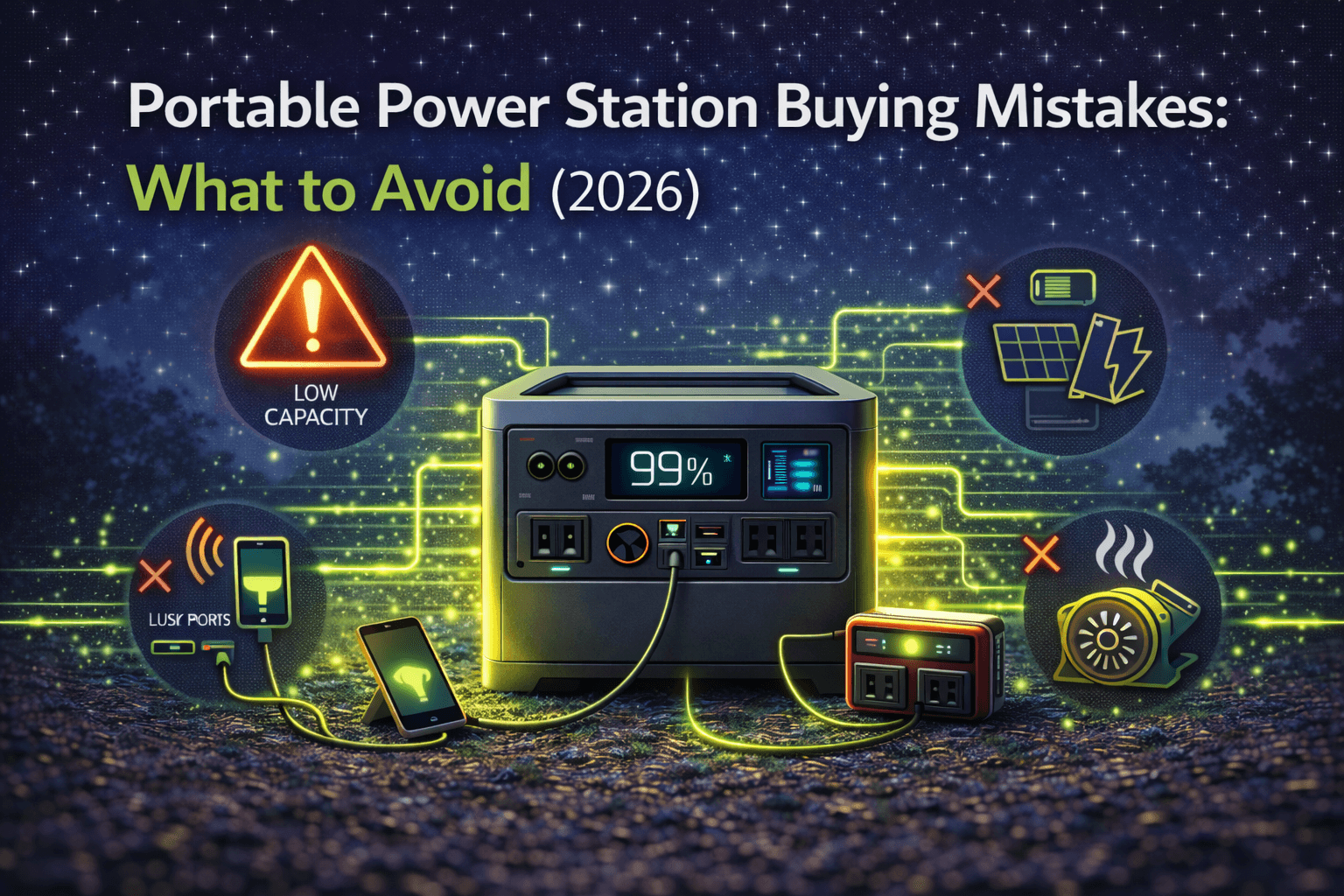
Roughly 4 out of 10 portable power station buyers would pick a different unit if they could do it over. The complaints are predictable: not enough capacity, can’t run the devices they actually need, paid a premium for features they never touched, or watched a budget unit die 14 months in.
The root cause is almost always the same — manufacturers market peak specs (maximum capacity, surge output, theoretical runtime) while real-world performance tells a different story. What “UPS mode” actually protects, whether “solar ready” means plug-and-play or requires $150 in adapters, if “expandable” locks you into proprietary batteries — none of that makes the product page.
At $500–$3,500 for a typical unit, these aren’t throwaway purchases. But they’re not expensive enough that most people research them like a car. The result: a quick buy based on marketing promises, followed by months of “I should have done more homework.”
This guide breaks down the seven most common (and expensive) buying mistakes, explains exactly why each one happens, and gives you the concrete steps to avoid every single one. If you’re still early in the decision process, pair this with our complete buying guide for a systematic approach.
Mistake #1: Guessing Capacity Instead of Calculating
The mistake: You estimate power needs vaguely — “I need to run a few devices” — buy based on gut feeling, then discover halfway through a camping weekend or power outage that you’re dead in the water.
Why it’s the most expensive mistake you can make:
Capacity calculation sounds tedious. Watts, watt-hours, duty cycles — it feels like you need an electrical engineering degree. Manufacturers don’t help: phrases like “powers laptops for days!” or “runs your mini-fridge all weekend!” encourage guessing instead of math.
The data is brutal. Among buyers who guessed capacity, over 60% regretted their choice within six months. Among those who spent 15–30 minutes doing basic math, satisfaction stayed above 90% a year later. That’s a massive gap — bigger than the difference between any two brands, feature sets, or price tiers.
What real regret looks like:
A camping buyer grabbed a 400Wh unit figuring “that’s plenty for a weekend.” Actual consumption: portable cooler (600Wh), devices (200Wh), lights (120Wh), fan (240Wh) — 1,160Wh total. The unit died Saturday afternoon. He ended up buying a second 1,000Wh unit for $600, spending $1,600 total for capacity he could have gotten for $900 with one correct purchase.
An RV owner guessed 1,500Wh based on forum posts without personal calculation. Real consumption hit 2,360Wh daily once you factor in the fridge, water pump, devices, lights, and fans. The unit needed recharging every 15 hours — completely unsustainable for multi-day boondocking. After adding a 2,000Wh unit plus expansion battery ($2,100 additional), total spend reached $3,000 for capacity available at $1,500–$1,800 with proper planning.
The 15-minute fix that saves $500–$2,000:
- List every device you’ll actually power — not “electronics,” but “laptop,” “portable cooler,” “LED string lights”
- Look up each device’s wattage from the label, manual, or manufacturer’s site
- Estimate realistic daily usage hours — conservative, not optimistic
- Multiply: watts × hours = watt-hours per device
- Sum everything for total daily consumption
- Add 25–30% buffer for inverter inefficiency, unexpected loads, and cold weather capacity loss
- For multi-day use, multiply daily total by days without recharging
Quick example — weekend camping trip:
| Device | Watts | Hours/Day | Daily Wh |
|---|---|---|---|
| Portable cooler | 50W | 12h | 600 Wh |
| Phone/tablet charging | 25W | 8h | 200 Wh |
| LED lights | 15W | 8h | 120 Wh |
| Portable fan | 30W | 8h | 240 Wh |
| Subtotal | 1,160 Wh | ||
| + 25% safety margin | 1,450 Wh |
With daily solar or vehicle recharge: you need ~1,500Wh minimum. For full weekend autonomy with no recharging: double it to ~3,000Wh.
That ten minutes of math prevents both the $400 undersized impulse buy and the $2,000+ oversized panic purchase. For a step-by-step walkthrough of capacity planning across use cases, our how to choose a portable power station guide covers the full methodology.
Red flags you’re guessing:
- You’re choosing a capacity because it’s “the middle of the range”
- You can’t state your daily watt-hour need as a specific number
- You’re relying entirely on manufacturer runtime claims
- Your reasoning starts with “I think” instead of “I calculated”
Mistake #2: Confusing Capacity With Output
The mistake: You focus on battery capacity (Wh) and ignore output wattage (W). You buy a unit with plenty of stored energy but insufficient power delivery — and your 1,200W microwave won’t even turn on.
Why it trips people up:
Manufacturers blast capacity numbers in huge font — “2000Wh!” — while output wattage sits in the fine print. Buyers naturally grab the biggest number without understanding the critical distinction: capacity determines how long you can run devices; output determines which devices you can run at all.
Think of it as a water tank and pipe. A massive tank (high capacity) with a tiny pipe (low output) still can’t fill a swimming pool fast enough. A 2,000Wh unit with 1,000W output literally cannot power a 1,200W microwave — it’ll trip overload protection instantly, regardless of how much energy is stored.
Real frustrations:
One buyer grabbed a 2,000Wh unit focused purely on capacity, tried to run a 1,200W microwave — immediate shutdown. Despite theoretically having enough energy to run the microwave for over an hour, the unit’s 1,000W output couldn’t handle the load. A contractor bought a 1,500Wh unit (plenty for a full day’s work), connected an 1,800W miter saw — overload shutdown on the first cut. A camper with a 1,000Wh unit discovered the 1,000W output couldn’t handle a 1,200W drip coffee maker. Morning coffee, ruined.
How to get this right:
- Identify your highest-wattage single device (usually a cooking appliance, heater, or power tool)
- Check its startup/surge requirement — motors draw 2–3× running watts briefly
- Add up simultaneous loads if you’ll run multiple devices at once
- Add a 20% safety margin
- Buy a unit whose continuous output (not peak/surge rating) exceeds that number
Common devices that demand high output:
| Device | Running Watts | Notes |
|---|---|---|
| Microwave | 700–1,500W | Check actual wattage, not food wattage |
| Coffee maker | 800–1,200W | Heating element draws heavy |
| Electric griddle | 1,200–1,800W | Sustained high draw |
| Hair dryer | 1,200–1,800W | On high setting |
| Space heater | 1,500W | Continuous draw |
| Miter saw | 1,500–1,800W | Plus startup surge |
| Table saw | 1,500–2,000W | Heavy surge on startup |
| Air compressor | 1,000–1,500W running | 2,000–3,000W startup surge |
If any of these are in your plans, verify the unit’s continuous output rating — not surge/peak — exceeds the device requirement by at least 20%.
Mistake #3: Paying for Features You’ll Never Use
The mistake: FOMO drives you to the flagship model with every bell and whistle. You pay $500–$1,000 extra for an app you open twice, an expandability option you never expand, and wireless charging that’s slower than a $10 USB cable.
Where the money disappears:
Smartphone apps ($100–$200 premium): Remote monitoring, usage analytics, power optimization profiles. Genuinely valuable if you’re running an off-grid system or monitoring backup power remotely. Completely pointless for weekend camping — walking ten feet to check the display takes less time than opening the app.
Survey data shows about 40% of buyers with premium app features used them for the first few weeks, then never opened the app again. That’s a decade of unused capability.
Expandability ($200–$400 premium): Extra battery ports for add-on capacity. Critical if you undersized and need to grow. But roughly two-thirds of buyers who paid for expandable units never purchased a single expansion battery. They paid for flexibility they never exercised.
Wireless charging pads ($30–$80 premium): Charges your phone at the same speed as a USB cable you already own. Marginally more convenient, not functionally better.
6+ AC outlets vs. 3–4: Flagship units pack 6–8 outlets. Useful for complex professional setups. But typical camping (2–3 devices) or home backup (essential circuits) rarely needs more than 4. Budget units with 3–4 outlets serve 80% of users without compromise.
The honest evaluation framework:
Before upgrading to a premium tier, ask three questions for each feature:
- Will I use this weekly or monthly? → Must-have. Pay for it.
- Will I use this 1–2 times a year? → Calculate cost-per-use. A $200 feature used 5 times over a decade costs $40 per use.
- Will I realistically never use this? → Skip it. Marketing made it look essential. It isn’t.
Buy what enables your use case. Evaluate the nice-to-haves honestly. Ignore the rest — no matter how impressive the product page makes them look.
Mistake #4: False Economy With Budget Brands
The mistake: You spot a no-name brand offering “2,000Wh, 2,000W output” at 40–60% less than EcoFlow, Jackery, or Bluetti. It looks identical. The specs match. You save $400–$600 upfront. Then it falls apart.
Why budget units cost more in the long run:
From the outside, portable power stations all look alike — rectangular box, outlets, display, handle. That surface similarity makes it easy to think “why pay more for a logo?” What you can’t see: battery cell quality, inverter grade, BMS sophistication, thermal management, safety certification testing, and actual (not advertised) capacity.
What actually happens with budget brands:
Capacity fraud: A buyer purchased a “2,000Wh” budget unit for $600. Measured actual capacity: 1,400Wh — 30% less than advertised. The manufacturer refused the warranty claim, calling it “within manufacturing tolerance.” The unit technically worked, but delivered less energy per dollar than the quality brand it was supposedly undercutting.
Premature failure: A $700 budget unit failed after 14 months with a BMS malfunction. Warranty claim denied for alleged “liquid damage” despite no exposure. Replacement: another $700. Two-year total: $1,400 — more than the $1,200 quality brand that would have lasted a decade.
Safety incident: A budget unit developed battery swelling during charging. The buyer moved it outdoors and tried contacting the manufacturer — no US presence, foreign contact only, no response. Local fire department disposed of it as hazardous waste. Total loss: $800, plus the risk of property damage.
The math over 5 years:
| Budget Brand | Quality Brand | |
|---|---|---|
| Initial cost | $700 | $1,200 |
| Year 2 replacement | $700 | $0 |
| Year 4 replacement | $700 | $0 |
| 5-year total | $2,100 | $1,200 |
The “expensive” brand saves $900 over five years. That’s before accounting for the hassle of failed units, denied warranty claims, and the stress of discovering your backup power isn’t actually reliable when you need it.
Non-negotiable quality criteria:
- UL certification — independent safety testing, not self-certification
- Established US presence — accessible customer support and warranty service
- Verifiable reviews — real customers on multiple platforms, not just the brand’s site
- Recognized brand — EcoFlow, Jackery, Bluetti, Anker, Goal Zero have earned their reputations
- Minimum 2-year warranty with reachable support channels
If a unit costs 40%+ less than competitors with identical specs, ask why. Battery cells, inverters, and BMS components cost real money. Extreme discounts mean corners were cut on things you can’t see until they fail.
For our tested recommendations across established brands, see our guides to EcoFlow, Jackery, and Bluetti power stations.
Mistake #5: Ignoring Battery Chemistry
The mistake: You focus on capacity and price while glossing over battery type. You buy the cheaper lithium-ion (NMC) option, save $100–$300 upfront, then watch the battery degrade years before a LiFePO4 unit would have.
What the specs page buries:
Battery chemistry sits in the technical fine print — abbreviations, jargon, easy to skip. Meanwhile, capacity and price get all the attention. The result: buyers treat batteries as interchangeable when the difference between chemistries is massive.
The core numbers:
| Li-ion (NMC) | LiFePO4 (LFP) | |
|---|---|---|
| Cycle life to 80% capacity | 500–1,000 cycles | 3,000–4,000+ cycles |
| Typical lifespan | 3–7 years | 10–15+ years |
| Energy density | Higher (lighter/smaller) | Lower (heavier/larger) |
| Upfront cost | Lower | 20–40% more |
| Thermal stability | Good | Excellent |
The cost-per-cycle reality check:
Li-ion unit: $800 ÷ 750 cycles = $1.07 per cycle
LiFePO4 unit: $1,100 ÷ 3,500 cycles = $0.31 per cycle
LiFePO4 costs roughly 70% less per cycle despite a higher sticker price. Over any reasonable ownership period with moderate use, it’s the cheaper option.
When chemistry actually matters (and when it doesn’t):
Light occasional use (under 25 cycles/year) — chemistry barely matters — and for very light use, renting rather than buying may make more sense. A weekend camper using their unit 25 times annually won’t hit either battery’s limit for over a decade. Calendar aging (10–15 years regardless of cycling) becomes the bottleneck. Buy whichever fits your budget.
Frequent use (50+ cycles/year) — LiFePO4 wins decisively. An RVer cycling 100 times annually will burn through a Li-ion battery in 5–7 years. LiFePO4 lasts 30+ years at that rate. The upfront premium pays for itself several times over in avoided replacements.
Emergency backup (5–10 cycles/year) — either works. Both chemistries will outlast you at this cycling rate. Choose based on features and price, not chemistry.
For a deep dive into LiFePO4 options specifically, see our LiFePO4 portable power stations guide.
Mistake #6: Misunderstanding Solar Compatibility
The mistake: You buy a “solar ready” power station assuming any panel will work. Months later, you connect a solar panel and get either zero output, error codes, or painfully slow charging — because nobody told you about voltage ranges, input limits, and connector mismatches.
The three ways solar goes wrong:
Voltage mismatch: Your power station accepts 12–30V solar input. You bought a panel with 42V open-circuit voltage (designed for a different system). Result: incompatible. Connection either damages the charge controller or triggers protection shutoff.
Input wattage cap: Your unit accepts 200W solar maximum. You installed a 600W panel array hoping for faster charging. The system limits to 200W regardless — you spent $400 on extra panels providing zero benefit.
Wrong connector: Your panels use MC4 connectors (industry standard). Your power station has a proprietary barrel jack. You need a $15–$40 adapter cable before anything works. Not a dealbreaker, but annoying when you’re standing in a campsite with sunshine and no power.
How to prevent all three:
- Check your power station’s solar input specs: voltage range, max wattage, connector type
- Match panel voltage to the station’s accepted range (typically 18–21V panels for 12–30V input)
- Size your panel array at or below the station’s max solar input
- Confirm connector compatibility or budget $20–$40 for adapters
The simplest approach: Buy panels from the same manufacturer as your power station. EcoFlow panels with EcoFlow stations, Jackery with Jackery, Bluetti with Bluetti. You pay a 10–20% premium over mixing brands, but you get guaranteed compatibility, correct cables in the box, and zero guesswork.
Mistake #7: Ignoring Weight Until It’s Too Late
The mistake: You prioritize capacity and features, barely glance at the weight spec, and end up with a unit that’s miserable to move for your actual use case.
What the numbers feel like in practice:
- Under 30 lbs: One-hand carry, genuinely portable, relocate without thinking twice
- 30–50 lbs: Two-hand carry, manageable for short distances, gets old fast
- 50–70 lbs: You need a dolly or a second person, plan every relocation
- 70–100+ lbs: Semi-permanent placement only — “portable” in name only
Real portability regrets:
The EcoFlow Delta Pro (99 lbs) is an incredible unit — 3,600Wh of LiFePO4 power. But one buyer used it for solo RV trips, and moving it from vehicle storage to the campsite was a two-person job every time. A 50–60 lb alternative with less capacity but adequate power would have been the smarter pick for his actual use.
Another buyer brought a 67 lb unit to weekly tailgates. The 100+ foot carry from parking to the spot became the worst part of every game day. A 30–32 lb unit with slightly less capacity would have made setup effortless.
Match weight to use case:
- True portability needed (camping, tailgating, job sites): Target under 35 lbs — accept some capacity tradeoff
- Mostly stationary (home backup, off-grid, installed systems): Weight doesn’t matter — maximize capacity
- Vehicle-based (RV, van life): 50–70 lbs is fine if the unit stays in the vehicle and rarely moves
For lightweight options, our mini portable power stations guide covers the best sub-300Wh units. For the heaviest-hitting capacity regardless of weight, see our 2000Wh+ guide.
Frequently Asked Questions
What’s the single biggest mistake portable power station buyers make?
Capacity miscalculation — guessing needs instead of calculating consumption. It affects the majority of buyers, creates immediate regret (your camping weekend gets cut short, your backup runs dry mid-outage), and costs the most to fix because the only remedy is buying a second unit.
The fix takes 15–30 minutes: list your devices, look up wattages, calculate daily consumption, add a 25% buffer. That half-hour of work prevents the most common cause of $500–$2,000 in wasted spending. No other pre-purchase activity comes close to that ROI.
Is it worth paying extra for a name brand?
For anything beyond very light occasional use — yes, decisively.
Established brands (EcoFlow, Jackery, Bluetti, Anker, Goal Zero) deliver actual advertised capacity, 3,000–4,000+ cycle LiFePO4 batteries, accessible US support, honored warranties, and UL-certified safety. Over 10 years of moderate use (50 cycles annually), a $1,200 quality unit costs $1,200 total. A $700 budget unit requiring two replacements costs $2,100.
Budget brands make sense only for very light use (under 10 cycles/year), non-critical applications, or if you’re testing whether you’ll use a power station at all before committing to a premium investment.
How do I decide between LiFePO4 and lithium-ion?
Use frequency is the deciding factor. If you’ll cycle the unit fewer than 25 times a year, both chemistries will outlast typical ownership — buy whatever fits your budget. If you’ll cycle 50+ times annually or plan to own it for a decade, LiFePO4’s dramatically longer lifespan (3,000–4,000+ cycles vs. 500–1,000) makes the 20–40% price premium a bargain through avoided replacement costs.
What capacity do I actually need for camping?
It depends entirely on whether you’re running a cooler or fridge. Without refrigeration, 400–700Wh handles a comfortable weekend (phones, laptop, lights, speaker). With a powered cooler or portable fridge running 24/7, budget 1,200–1,500Wh minimum for two nights. Adding a 100–200W solar panel extends your effective capacity significantly — check our camping guide for detailed calculations by scenario.
Don’t Let Buyer’s Regret Cost You Twice
Most portable power station mistakes share one root cause: not enough research before a significant purchase. The good news is that preventing the three most expensive errors takes under an hour:
Calculate capacity systematically — 30 minutes prevents the #1 regret affecting most buyers. Verify output wattage exceeds your highest-draw device — 5 minutes prevents device incompatibility. Choose a certified quality brand — prevents premature failure and the false economy of cheap replacements.
Those three checks alone eliminate the vast majority of buyer regret. Combine them with honest feature evaluation, appropriate battery chemistry selection, solar compatibility verification, and realistic weight assessment, and you’ll make a purchase that serves you reliably for a decade or more.
Spend two hours researching before spending $500–$3,000. That time investment pays back 10–50× through avoided mistakes, optimized purchases, and equipment that actually matches your needs.